Prompt Tạo Ảnh Collage Nghệ Thuật Cho Thương Hiệu Thời Trang
Biến những bức ảnh Lookbook thông thường thành tác phẩm nghệ thuật cắt dán đa chiều, ấn tượng.
Cập nhật
Giới thiệu
Prompt này làm gì
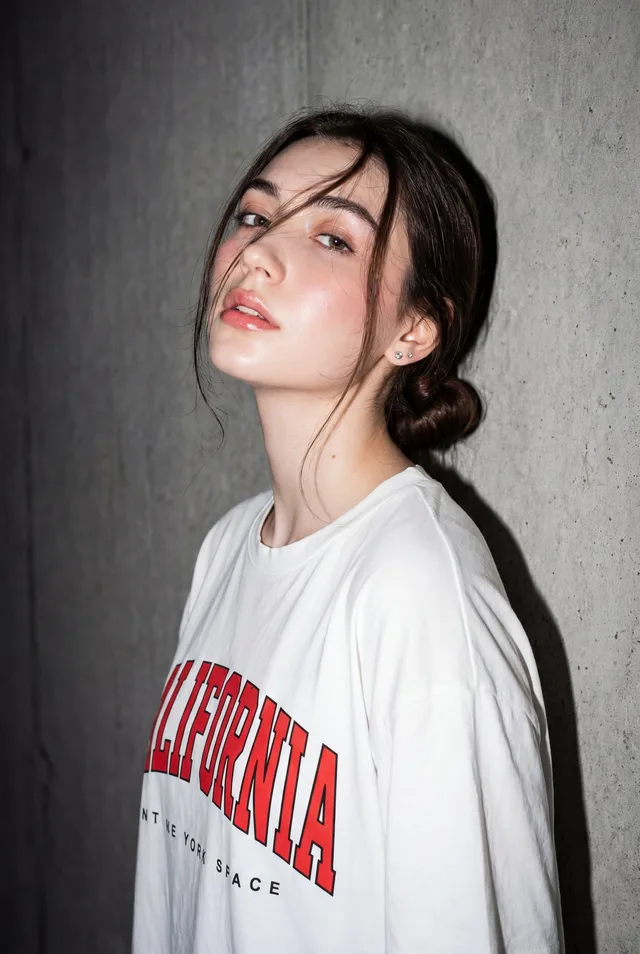
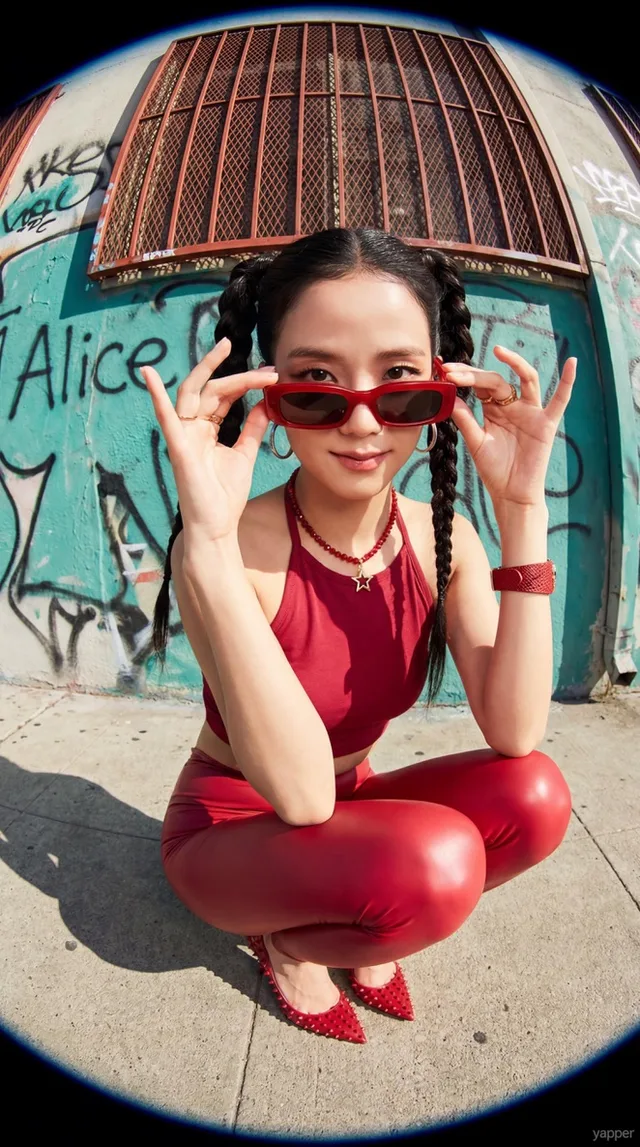
Đừng để hình ảnh sản phẩm trở nên đơn điệu. Kỹ thuật Digital Collage giúp ghép nối khuôn mặt người mẫu với hoa cỏ, kiến trúc và những mảng màu báo cũ rách nát một cách có chủ đích. Tạo ra chiều sâu văn hóa và sự độc bản cho thương hiệu.
Thường xuyên được các Local Brand, tạp chí thời trang Indie sử dụng để làm Key Visual truyền thông bộ sưu tập mới.
Câu lệnh
Câu lệnh (1)
Prompt
Nanobanana Pro
[BRAND NAME]. Act as a Social Media Art Director and Digital Collage Artist specializing in bold, youth-oriented brand content for Instagram and digital campaigns.
PHASE 1: CONCEPTUAL FRAMEWORK
Create a dynamic digital collage that merges fashion photography with graphic design chaos. This is controlled rebellion – a composition that feels spontaneous and energetic while maintaining brand coherence. The aesthetic is anti-polished: torn edges, layered textures, hand-drawn elements, and bold color blocking that screams confidence and movement.
PHASE 2: MODEL & PHOTOGRAPHY
- Subject: One model (diverse casting, age 18-30) in a dynamic, confident pose
- Pose Energy: 80% attitude, 20% natural – sitting, jumping, mid-motion, or power stance (avoid static standing)
- Outfit: Street style/athleisure that aligns with [BRAND NAME] aesthetic – casual but styled
- Hero Product: Feature 1 signature [BRAND NAME] product prominently (sneakers, bag, apparel) – this is the visual anchor
- Photography Style: Editorial fashion cutout – model extracted from background with clean edges
- Camera Angle: Slight low angle to empower subject (hero perspective)
- Crop: Full body or 3/4 body showing hero product clearly
- Background Removal: Model cut out cleanly for layering over collage elements
PHASE 3: COLOR BLOCKING FOUNDATION
- Primary Color Blob: Large organic shape (40-60% of composition) in bold, saturated brand color behind/around model
- Shape Style: Irregular, hand-painted aesthetic – think Photoshop brush strokes or torn paper texture (NOT perfect geometric shapes)
- Color Selection (Autonomous): Choose 1 hero color from [BRAND NAME] palette:
- Texture: Visible brush strokes, grain, or subtle noise (15-25% opacity) – avoid flat digital fills
- Placement: Blob positioned to frame model without obscuring key product details
PHASE 4: GRAPHIC ELEMENTS LAYER
Add 3-5 abstract graphic elements scattered across composition:
- Element Types:
- Color Palette: Use 2-3 accent colors total (main blob color + 1-2 contrasting tones from brand palette)
- Placement: Asymmetric scatter – top-left and bottom-right zones primarily (avoid center crowding)
- Scale: Mix small (5% of canvas) and medium (15% of canvas) elements – nothing overpowering
- Aesthetic: Analog/handmade feel – imperfect circles, rough edges, visible texture
PHASE 5: TYPOGRAPHY INTEGRATION
- Brand Logo: Clean [BRAND NAME] logo placed in upper-left or upper-right quadrant (10-15% of width)
- Slogan/Tagline: If [BRAND NAME] has an iconic slogan, integrate it using:
- Supporting Copy: Optional 1-line descriptor (e.g., "A MOMENT OF YOUR STYLE") in smaller uppercase sans-serif
- Type Treatment: Mix of aligned and slightly rotated text (2-5° angles) for dynamic energy
- Hierarchy: Logo largest → Slogan medium → Copy smallest
PHASE 6: TEXTURE & BACKGROUND
- Base Layer: Off-white or light gray textured background (NOT pure white)
- Texture Options (Autonomous selection):
- Color: RGB 245-250 (near-white with warmth) – maintains brightness while adding depth
- Treatment: Texture should be felt, not seen – enhances tactility without competing with foreground
PHASE 7: COMPOSITION RULES
- Layout: Asymmetric balance – model off-center, graphic elements counter-balance
- Breathing Room: 15-20% negative space (textured background visible) to prevent claustrophobia
- Layering Order: Background texture → Color blob → Graphic elements → Model (cutout) → Typography top layer
- Focal Point: Model + hero product = primary focus (60% visual weight), graphics support (40%)
- Movement: Diagonal lines and angled elements create directional flow (top-left to bottom-right or vice versa)
PHASE 8: BRAND INTELLIGENCE (AUTONOMOUS)
Autonomously adapt composition based on [BRAND NAME] personality:
- Streetwear/Sportswear (Nike, Adidas, Supreme):
- Luxury Streetwear (Balenciaga, Off-White, Gucci):
- Beauty/Lifestyle (Glossier, Fenty, Skims):
- Tech/Modern (Apple, Tesla, Beats):
PHASE 9: SOCIAL MEDIA FOOTER (OPTIONAL)
- Bottom Strip: Clean white or light gray bar at bottom 8-10% of frame
- Content: Social media handles (Instagram, Facebook, Twitter) in small sans-serif
- Layout: Three-column grid with platform icons or text handles
- Aesthetic: Minimal and professional – contrast with chaotic collage above
TECHNICAL SPECS:
- Aspect Ratio: 4:5 (Instagram feed) or 1:1 (square social post)
- Resolution: 2400x3000px minimum (high-quality for zoom and detail)
- Color Mode: sRGB, vibrant saturation (Instagram-optimized)
- File Aesthetic: Digital collage that mimics analog craft (Photoshop + hand-drawn hybrid)
- Model Photography: 85mm lens, f/2.8, shallow depth of field on original shoot (before cutout)
- Style Reference: Nike social campaigns, Spotify wrapped graphics, Gen Z Instagram aesthetics, Hypebeast x streetwear collabs
- Mood: Confident, energetic, youthful, authentic chaos, anti-corporate polish
Hướng dẫn
Cách dùng
Mở Nanobanana Pro hoặc model ghi ở từng câu lệnh.
Thay các biến trong [ngoặc vuông] bằng sản phẩm, khách hàng hoặc phong cách của bạn.
Chạy thử một bản, chọn kết quả tốt rồi tinh chỉnh ánh sáng, góc máy và màu sắc.
Mỗi prompt ghi rõ model hoặc công cụ đích (ChatGPT, Gemini, Claude, Midjourney, Stable Diffusion…). Nếu không ghi cụ thể, bạn cứ thử với model mình đang có rồi chỉnh lại theo kết quả.
Điền vào các chỗ trống trong ngoặc vuông, rồi dán prompt vào chế độ agent của ChatGPT, Gemini hoặc Claude (tên gọi và gói được dùng tùy từng app). Agent sẽ tự làm từng bước như mở web, đọc, tổng hợp và viết; anh em chỉ cần duyệt kết quả. Prompt ảnh, video thì dán vào đúng tool ghi trên trang.
Tài khoản VIP mở mọi prompt có nhãn VIP, gồm toàn bộ câu lệnh và phần nội dung VIP của từng prompt.
Hoàn toàn được. Prompt ở đây là bản mẫu để bạn tham khảo và tuỳ chỉnh theo nhu cầu riêng.
Tuỳ model. Với Stable Diffusion và SDXL, negative prompt giúp loại bỏ lỗi thường gặp. Các model như Midjourney tự xử lý phần này, nên không bắt buộc.