Prompt
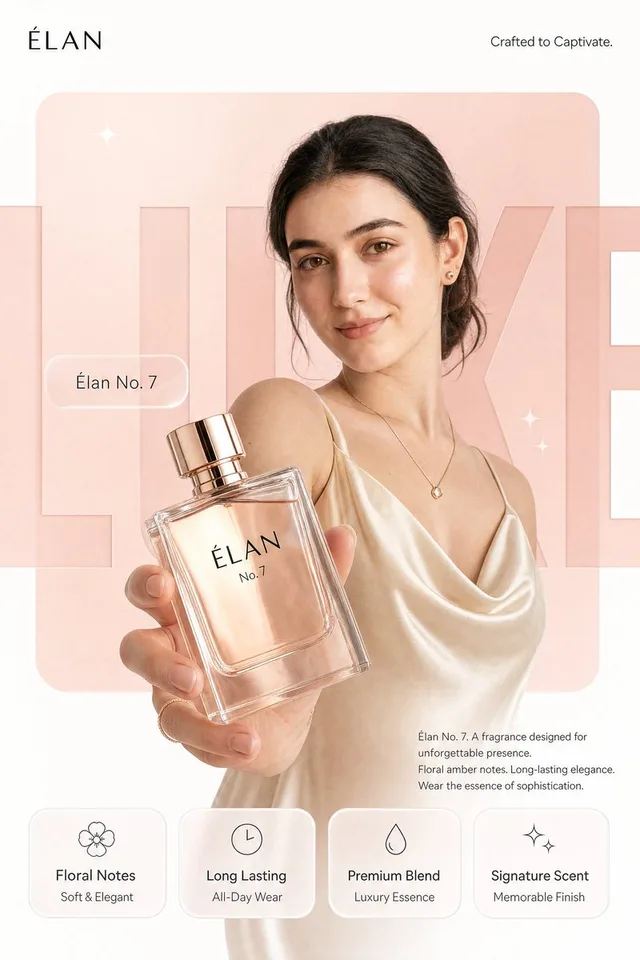
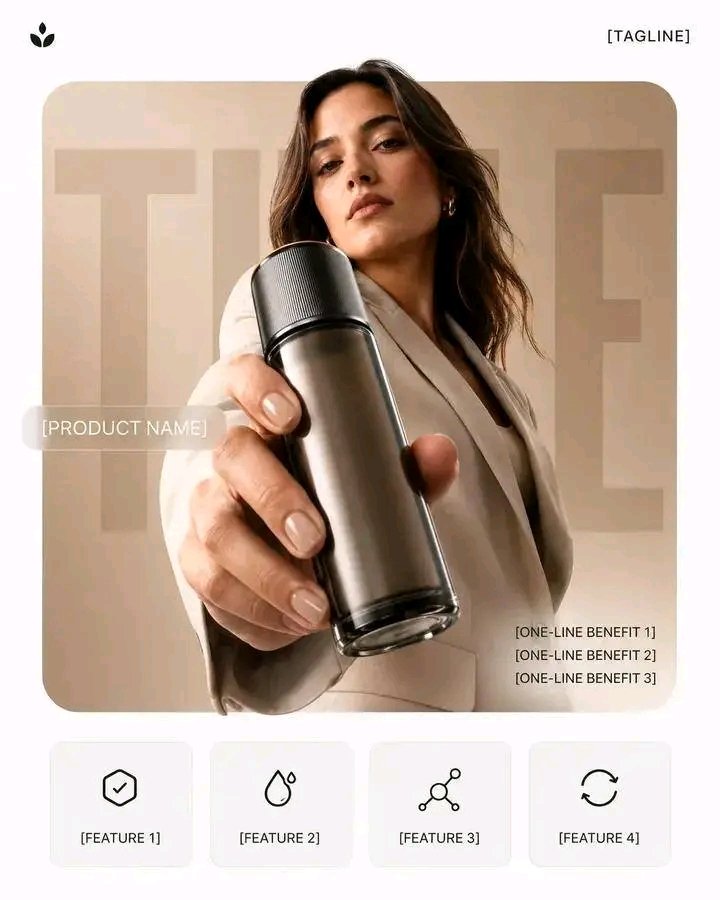
Nanobanana Pro[BRAND NAME] | [HEADLINE] | [SUB-TEXT] | [CTA]. Act as a Senior Art Director. PHASE 1: INTEGRATED COMPOSITION & OVERLAP. - Layout: Seamless fusion of 2D graphics and 3D photography. - Overlap Logic: The subject and their primary "Product Prop" (e.g., a car, a device) must physically overlap the graphic panel to break the "wall" between design and photo. - Unity: Geometric shapes from the graphic side must bleed into the photographic sky area. PHASE 2: BRAND & CATEGORY SIMULATION. Autonomously analyze the [BRAND NAME] and its industry category: - INDUSTRY CONTEXT: * If Automotive: Include the vehicle and a person interacting with it. * If Tech: Include flagship devices/gadgets. * If Fashion/Lifestyle: Focus on editorial poses and premium accessories. - SHAPE SIMULATION: Match shapes to brand identity (e.g., Sharp/Speed for Auto, Minimalist/Grid for Tech). - COLOR SIMULATION: Use the brand's primary signature hue for both the graphic pattern and the subject's outfit/accents. PHASE 3: TYPOGRAPHY & CUSTOM CONTENT. - Headline: Display "[HEADLINE]" in a bold, modern Sans-Serif font. (If [HEADLINE] is empty, generate a high-energy slogan for [BRAND NAME]). - Sub-headline: Display "[SUB-TEXT]" below the headline. - Button: Create a minimalist pill-shaped CTA button with the text: "[CTA]". - Interaction: Text layers should have 3D depth, sitting partially behind the subject or product prop. PHASE 4: PHOTOGRAPHY & SUBJECT. - Perspective: Extreme low-angle (worm’s eye view) looking up. - Subject: A diverse persona reflecting the brand's audience. - Environment: Massive, clear blue sky as the backdrop. - Visual Link: Subject's styling must incorporate the Brand's primary color. PHASE 5: FINAL VISUAL STYLE. High-end commercial aesthetic. Crisp, saturated, professional fusion of flat vector art and realistic photography.